Transform your smartphone into a powerful document scanner. Scan, edit, sign, and share documents in seconds. Powered by AI for crystal-clear results.
From scanning to sharing, Doc Scanner has all the tools to digitize your documents professionally.
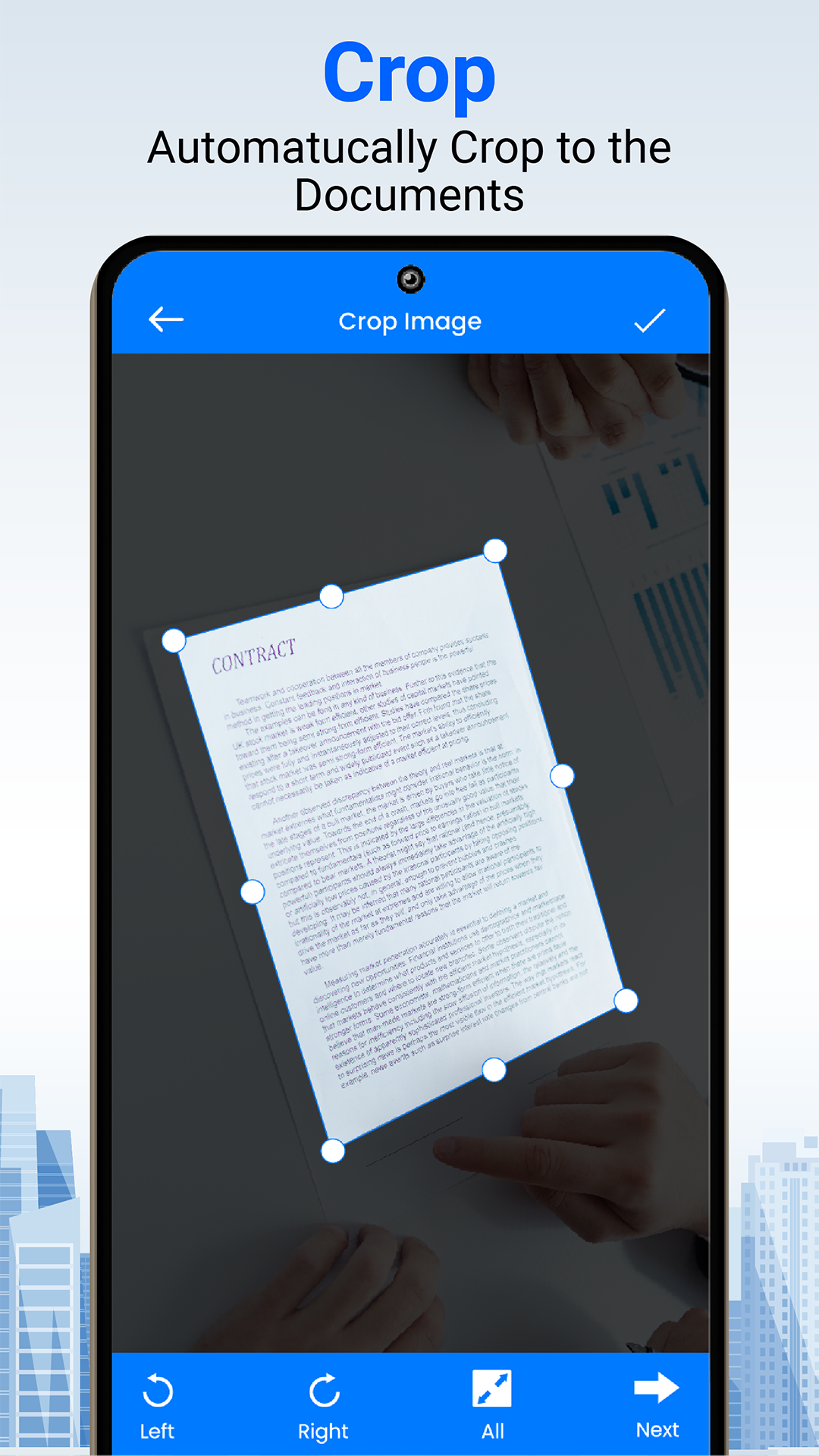
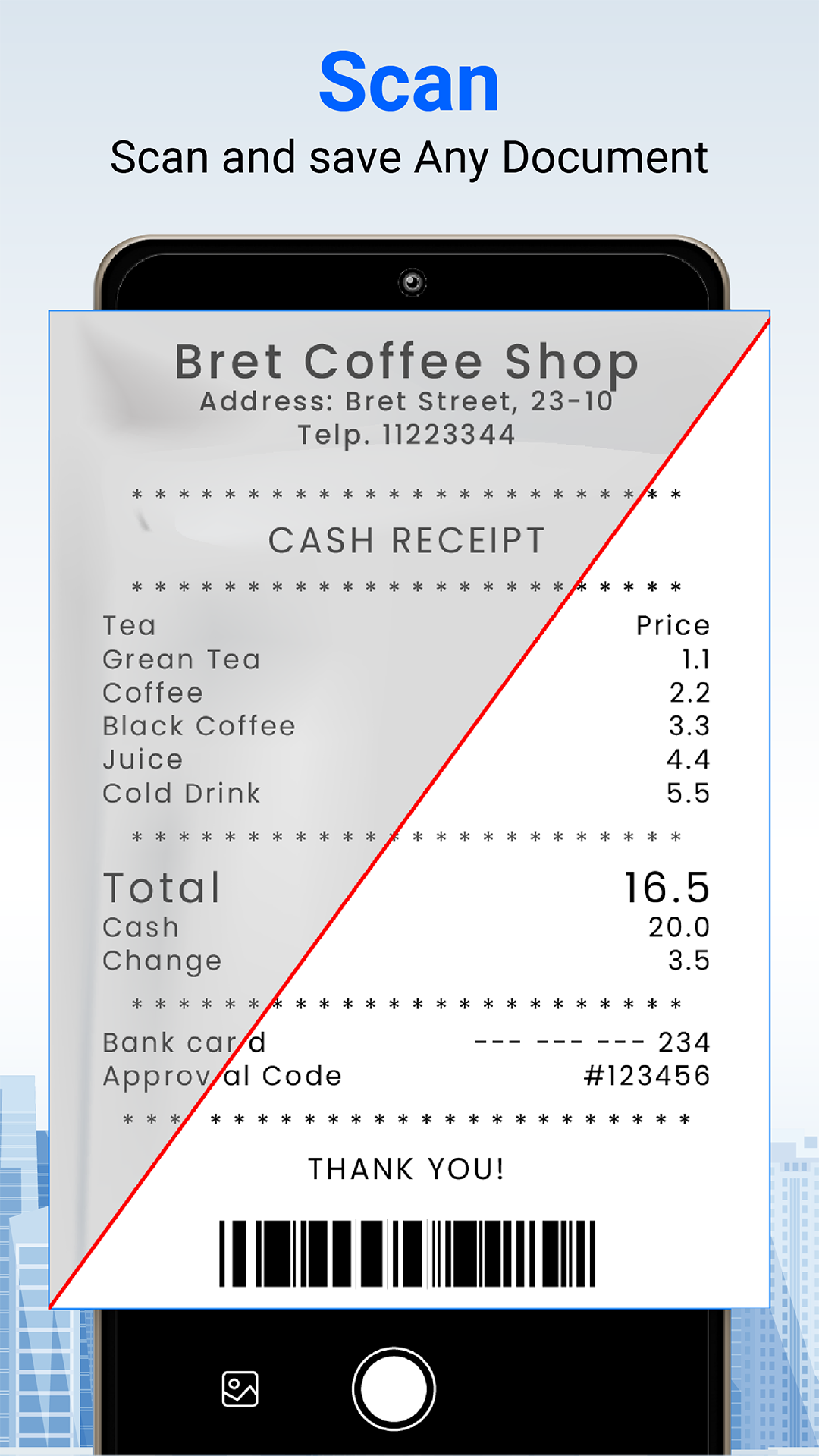
Automatically detects document edges and captures perfect scans. Works with documents, receipts, business cards, and more.
Transform blurry photos into crystal-clear documents with our advanced AI technology. Remove shadows and enhance readability.
Create professional PDFs from your scans instantly. Merge multiple pages, add password protection, and compress files.
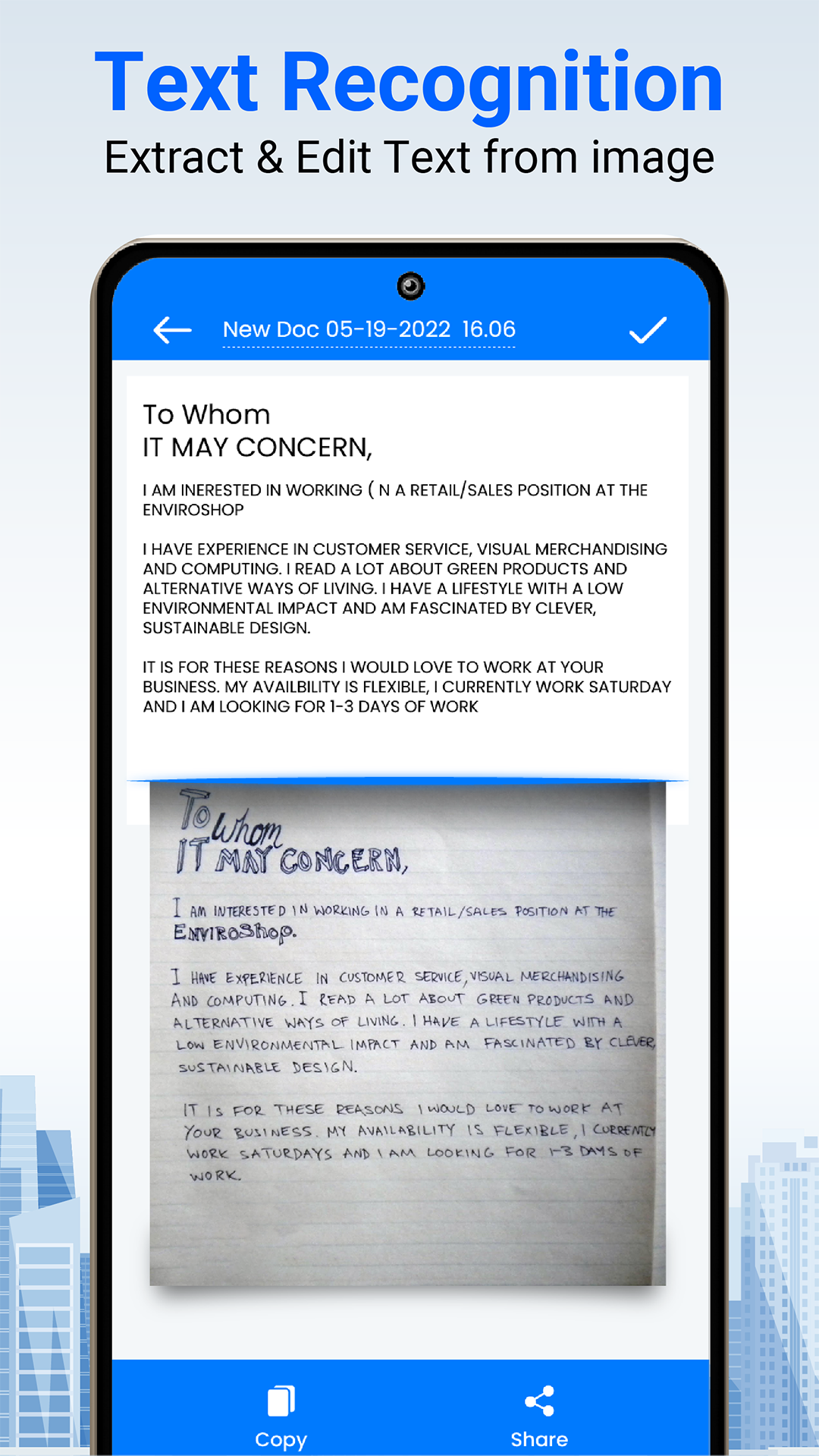
Extract text from any image or document using powerful OCR technology. Copy, edit, and share extracted text easily.
Scan and create QR codes for URLs, WiFi networks, contacts, and more. Full-featured QR toolkit in your pocket.
Sign documents digitally with your custom signature. Draw, type, or upload your signature and apply it anywhere.
Get started in seconds. No complicated setup required.
Open the app and point your camera at any document. Auto-detection captures perfectly aligned scans.
Apply filters, adjust brightness, crop edges, or use AI enhancement to get professional results.
Export as PDF or image, share via email or cloud, or print directly from the app.
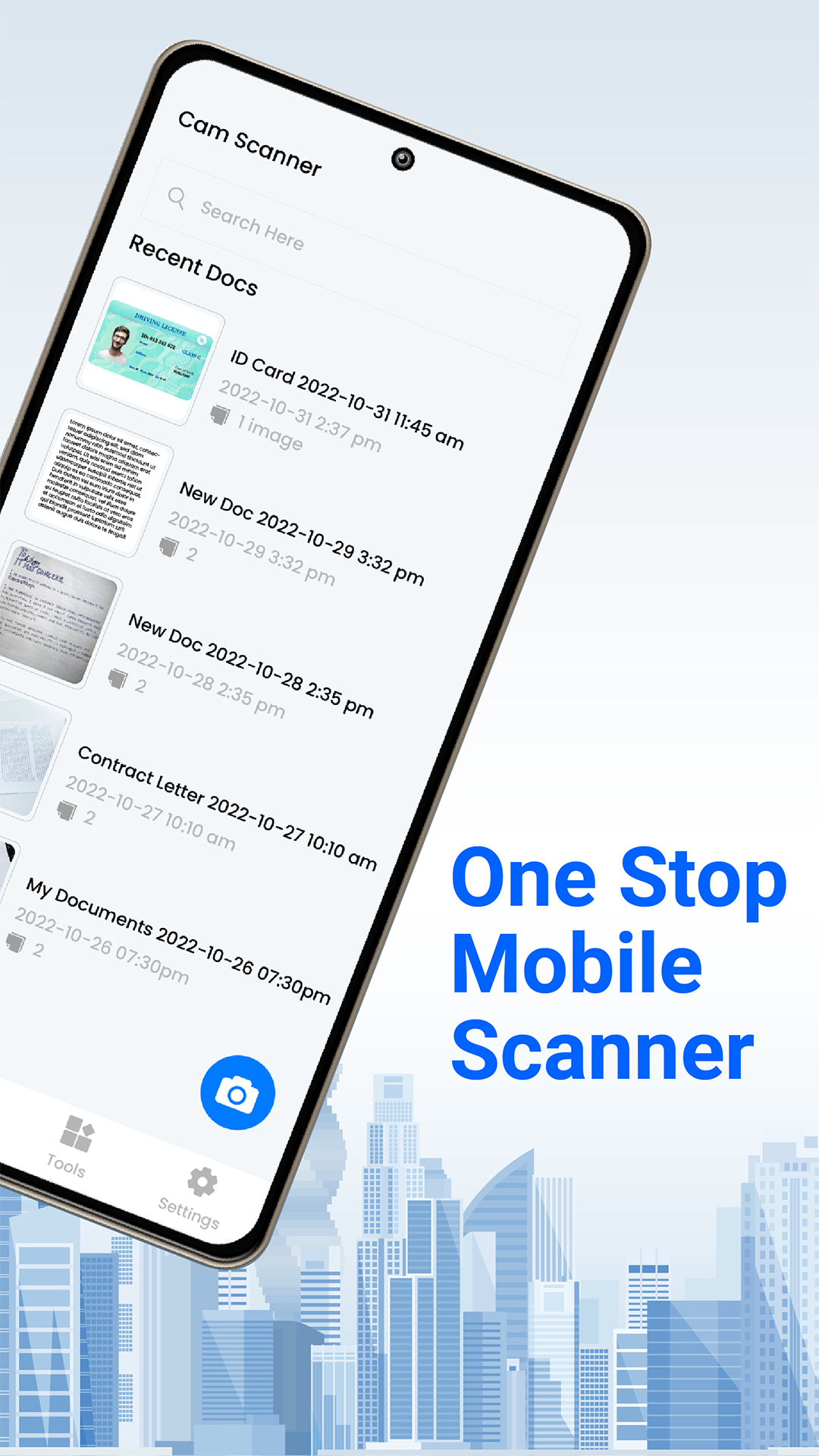
Beautiful, intuitive interface designed for productivity.
Whether you're a student, professional, or running a business - Doc Scanner adapts to your needs.
Scan lecture notes, textbook pages, and assignments. Extract text for easy study notes.
Digitize contracts, sign documents, and share reports. Stay productive on the go.
Scan receipts, invoices, and business cards. Keep your paperwork organized digitally.
Archive important documents, warranties, and medical records. Access them anytime.
See what our users are saying about Doc Scanner.
"Best scanner app I've ever used! The AI enhancement is incredible - turns my blurry photos into crystal clear documents."
"As a student, this app is a lifesaver! I can scan my notes and extract text to make digital flashcards. Highly recommend!"
"The QR code feature is amazing! I create WiFi QR codes for my restaurant guests. So convenient and professional."
| Features | Doc Scanner | Other Apps |
|---|---|---|
| Free Document Scanning | ||
| AI Enhancement | ||
| OCR Text Extraction | ||
| QR Code Scanner & Generator | ||
| Digital Signatures | ||
| Works Offline | ||
| No Watermarks | ||
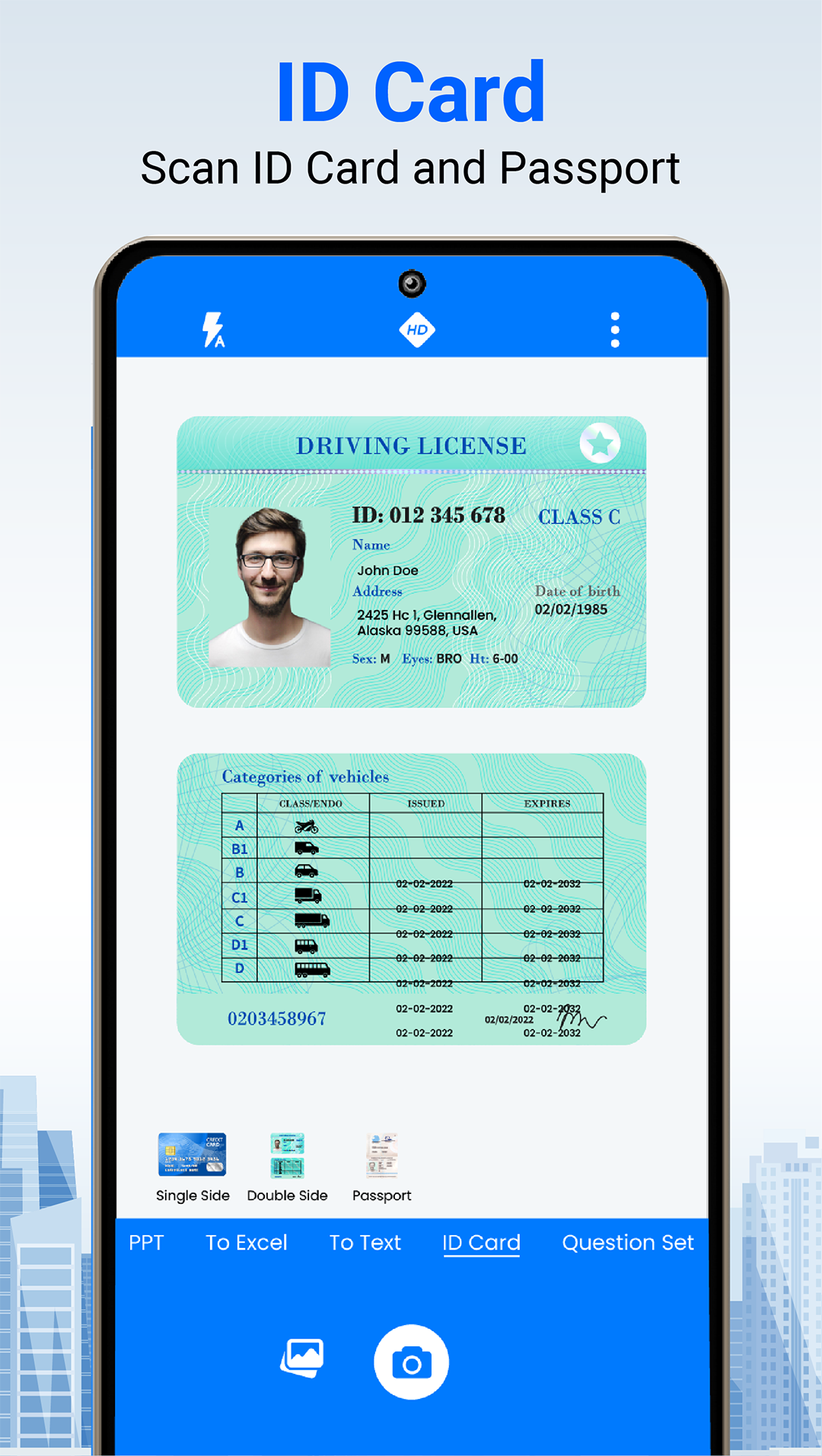
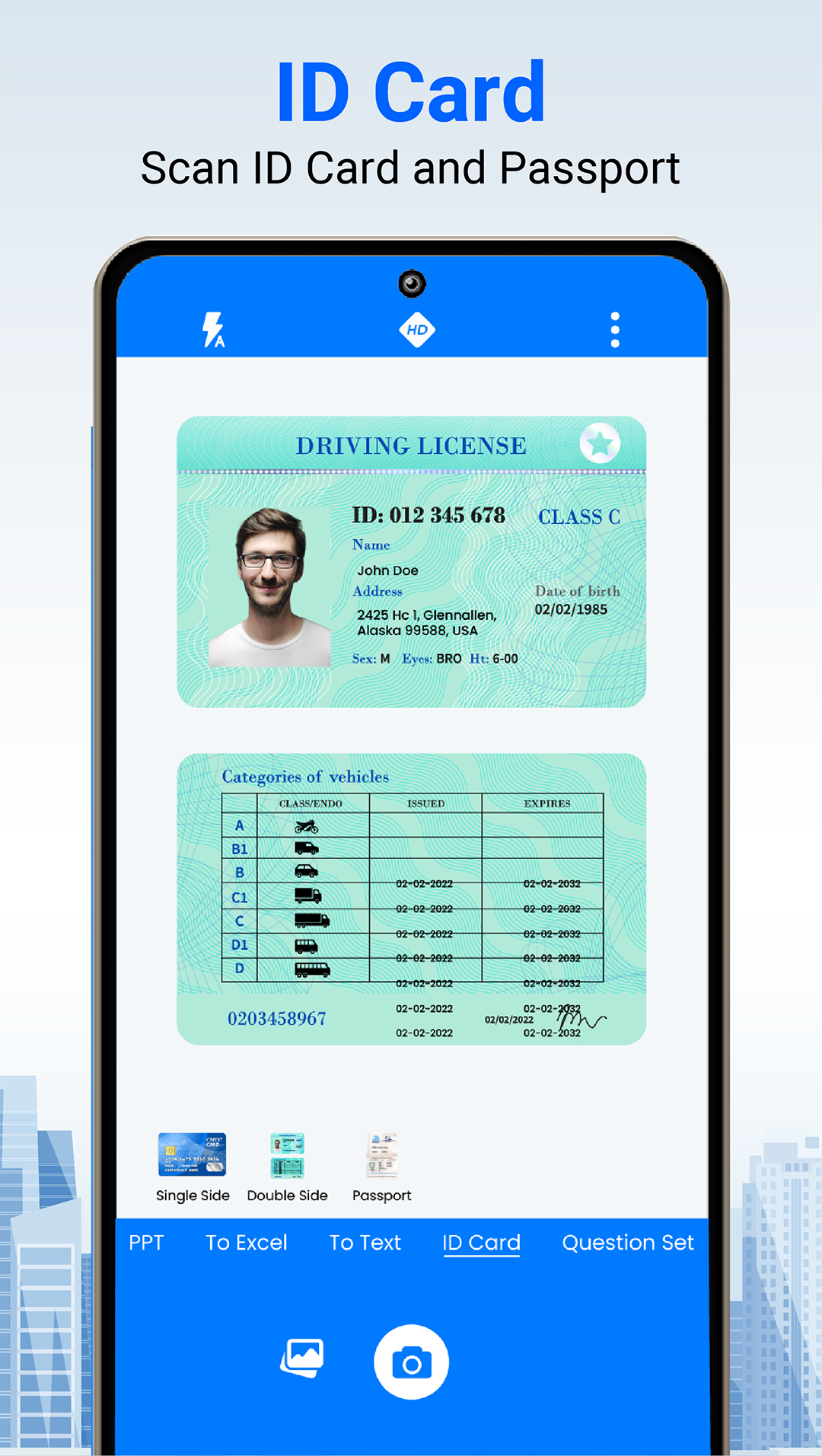
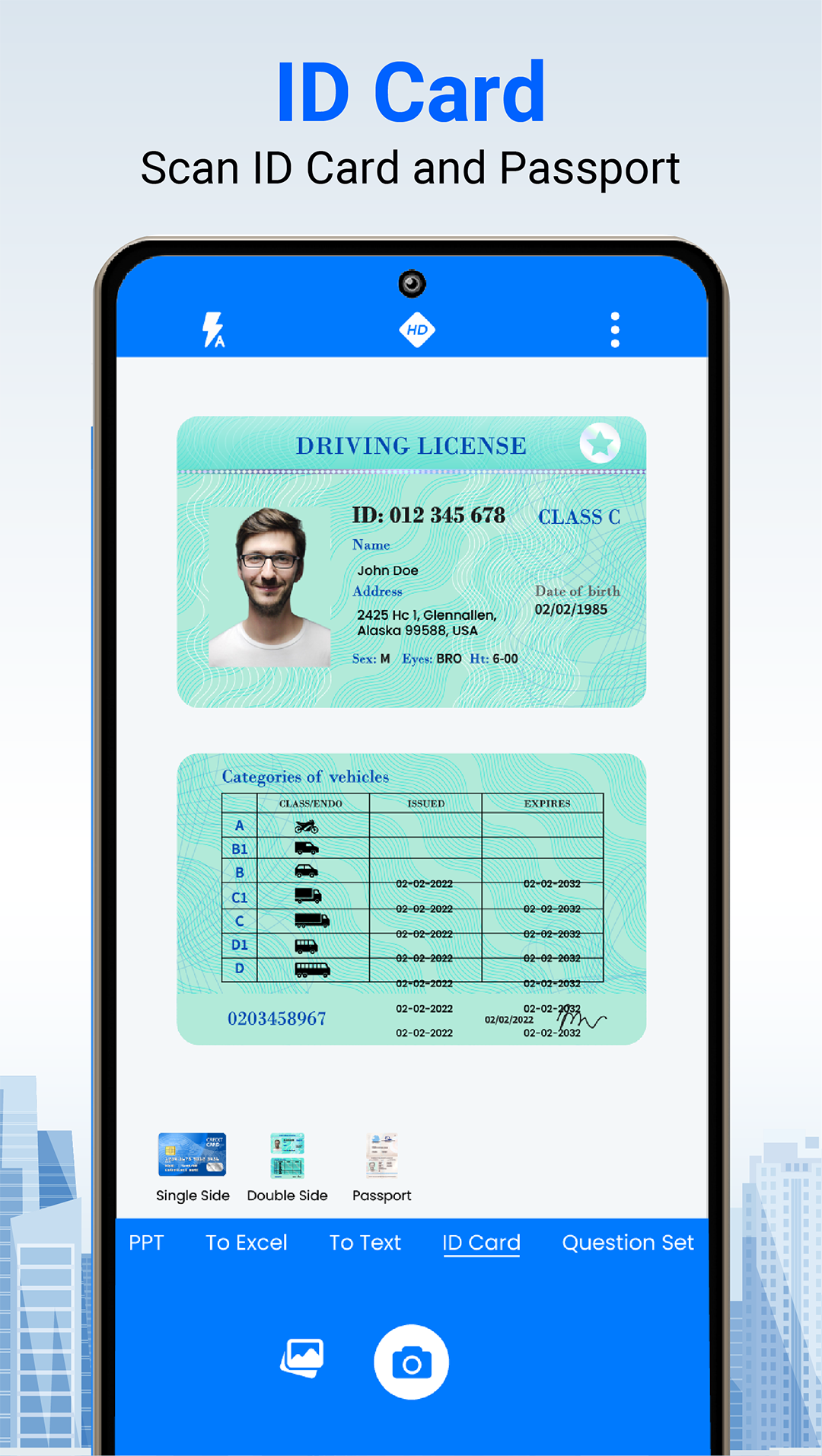
| ID Card Scanner |
Yes! Doc Scanner is free to download and use. You can scan unlimited documents, create PDFs, and use basic features completely free. Premium features like AI enhancement, advanced OCR, and handwriting recognition are available with an optional subscription.
Yes, Doc Scanner works completely offline for scanning documents, applying filters, and creating PDFs. Internet connection is only required for AI-powered features like text summarization and cloud backup.
Doc Scanner supports exporting to multiple formats including PDF, JPG, and PNG. You can also password-protect your PDFs and share them directly via email, messaging apps, or cloud storage services.
Our OCR (Optical Character Recognition) technology analyzes scanned documents and extracts text automatically. It supports 100+ languages and can even recognize handwritten text. The extracted text can be copied, edited, or shared instantly.
Absolutely! Your privacy is our priority. All scanned documents are stored locally on your device by default. We don't upload your documents to any server without your explicit permission. Premium users can optionally enable encrypted cloud backup.
Doc Scanner is available for Android devices running Android 5.0 (Lollipop) and above. This covers 99% of Android devices in use today. iOS version is coming soon!
Join over 1 million users who trust Doc Scanner for their document needs. Download free today!